The short answer
To extract audio from a local video, open the Recast audio extractor, choose the video, and click Extract audio. The download contains sound only; the original video keeps its soundtrack. Recast tries to copy the audio into an M4A file without re-encoding. If that fails, it tries a lossy MP3 encode. The tool does not let you choose the output format.
1. Decide which file you want to keep
Suppose you need a colleague to review the narration in a product demo. They can listen to an audio file without opening the video editor or downloading the whole picture. Extraction gives them that separate file. It leaves your source alone, so you can still use the original video with its sound when the review is finished.
A muted MP4 is a different deliverable: you keep the picture and discard the soundtrack in a new video. Separating speech from music is different again. If narration, music and machine noise are already mixed in the same audio track, extracting that track gives you the mix. It cannot recover a clean voice recording from the other sounds.
2. Extract the soundtrack in your browser
Open the Recast audio extractor, select a local video file and choose Extract audio. Leave the tab open until the download starts. On the first run the browser also loads the processing engine. The tool needs no sign-in and processes the selected video on your device. It takes a file, so pasting a YouTube link is not part of this workflow.
Start with a small file whose sound you recognize. The Recast tool checks a 200 MB file limit; a file below the limit still needs an audio stream the engine can read. When the download finishes, open the new audio file and listen to the first and last spoken words. Open the original separately if you want to confirm the picture and soundtrack are still together.
3. Compare two real downloads
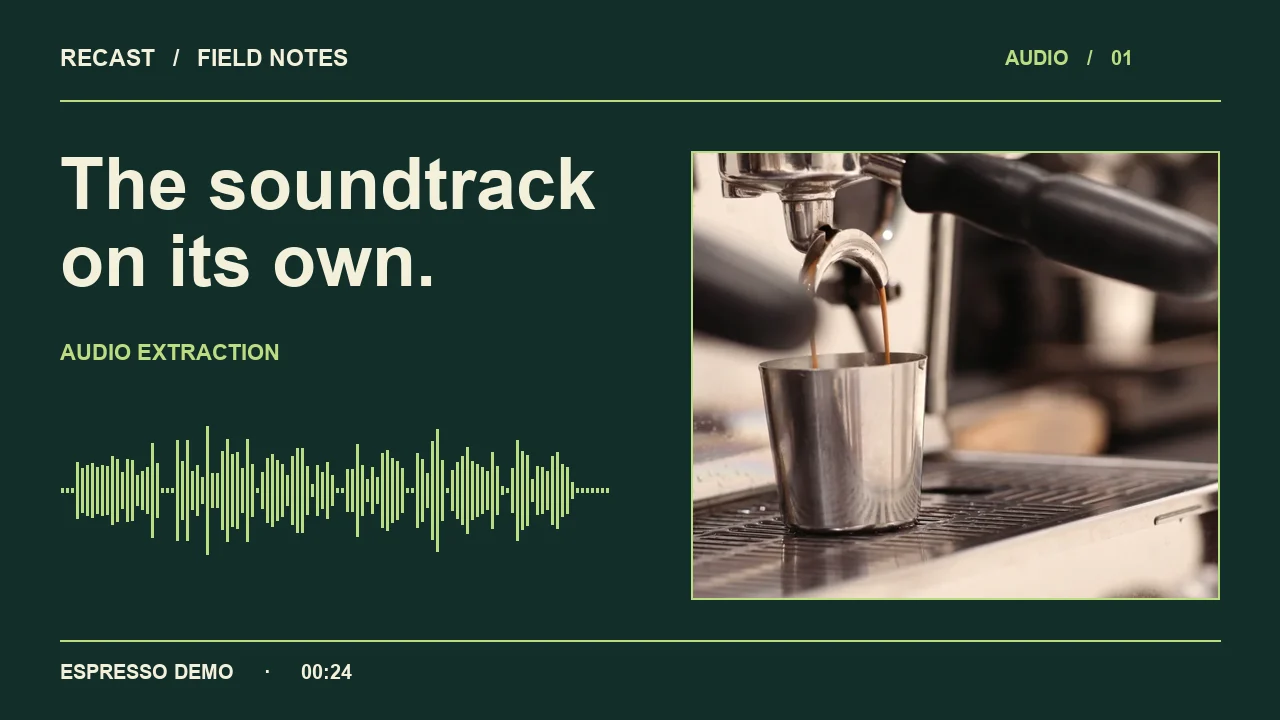
We ran both inputs through the Recast tool in a local Chrome preview on November 8, 2026. The first is our 24-second espresso demonstration with English narration. The second is a two-second solid-color movie with a synthetic test tone. Its uncompressed PCM audio gives the extractor a different input from the AAC audio in the espresso video.
The espresso download contains one AAC audio stream and no video. The test-tone download contains one MP3 audio stream and no video. The second file is an example of the fallback working in this build. The extension of your input alone does not predict which branch will succeed: two MOV files can contain different audio codecs.
| Input tested in Recast | Downloaded audio | What the test established |
|---|---|---|
| 24 s espresso MP4 · AAC narration | M4A · AAC · 24 s | Compressed audio payload matched the source. |
| 2 s test-tone MOV · PCM audio | MP3 · 2 s | Audio was re-encoded; the picture was left out. |
4. Does extracting audio reduce quality?
Copying the existing compressed audio stream avoids another round of encoding. For the espresso clip, we compared the compressed audio payload from the source MP4 with the payload from the downloaded M4A. Their SHA-256 hashes matched. The files themselves are different: one holds video and audio, and the other holds audio only.
The MP3 fallback uses lossy compression. It can be perfectly useful for reviewing narration, but it does not preserve the original PCM samples exactly. If you need an archival copy or a particular codec for editing, keep the original file and use an exporter that lets you specify the format. Renaming a downloaded M4A to MP3 will not convert its audio.
5. Check the result against its destination
For a voice review, send the audio file and give the reviewer a timestamp for the line in question. For a video edit, keep the picture nearby too: a sentence can sound fine in isolation and still finish after the product action it describes. If you plan to replace a soundtrack, check the length of the replacement before exporting the new video.
6. What if the exported file is silent?
Play the original with the player volume turned up and check whether the expected soundtrack is actually there. A silent audio stream can produce a silent download; a clip with no audio stream has nothing to extract. If a player lets you switch between several language tracks, choose another editor when you need to select a particular track. The Recast extractor does not offer a track picker.